Model: SK16
Switch brand:Huano switches
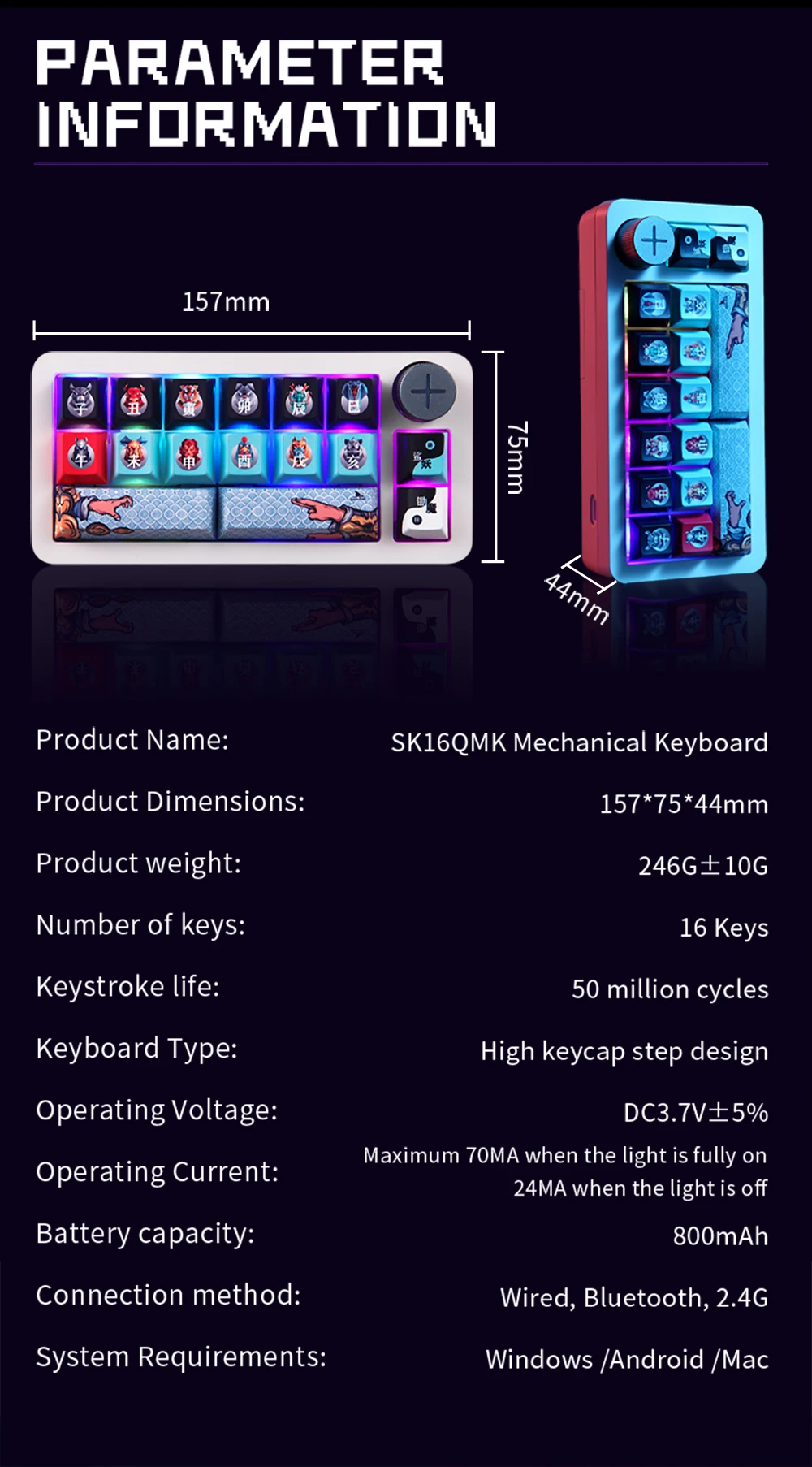
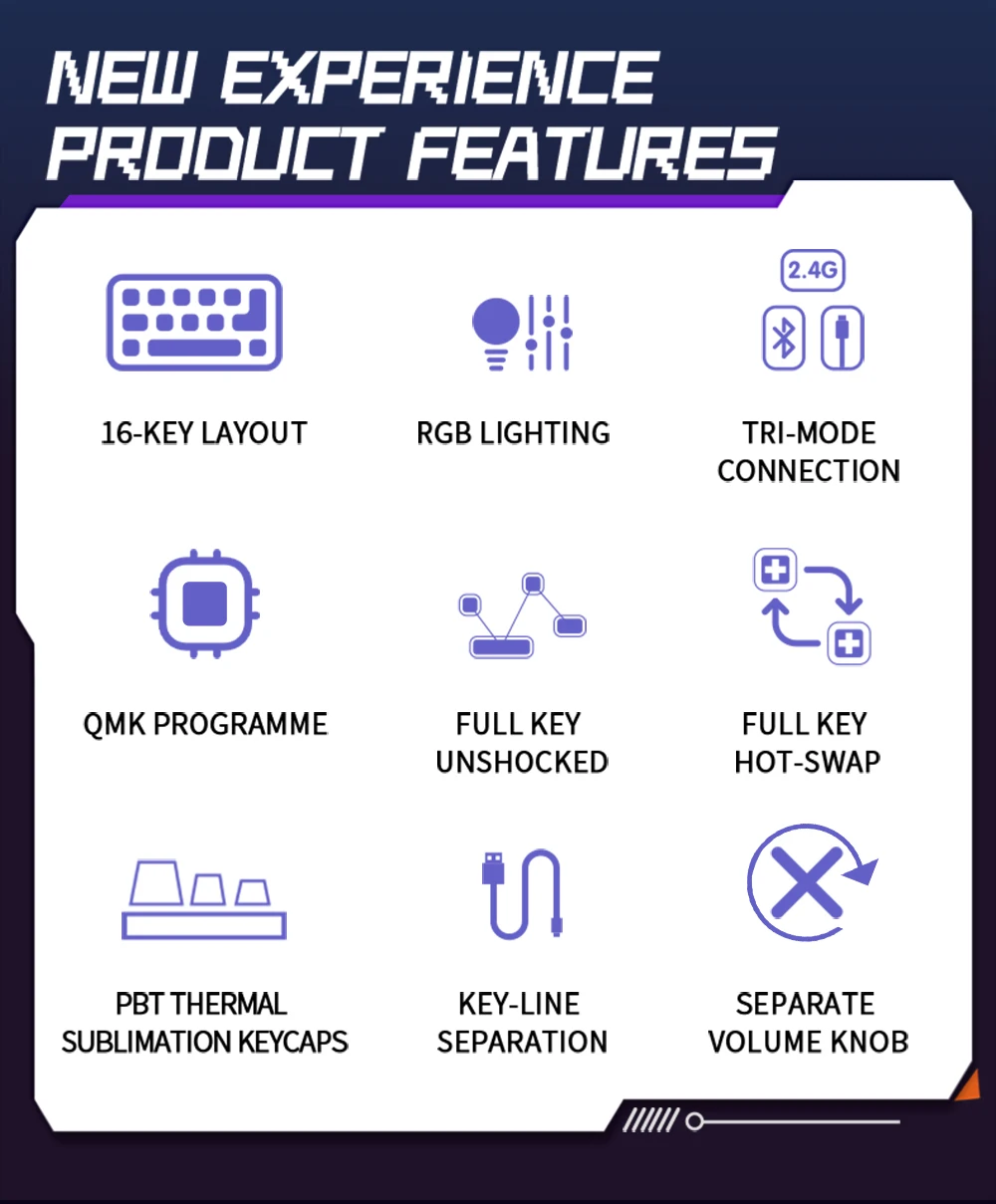
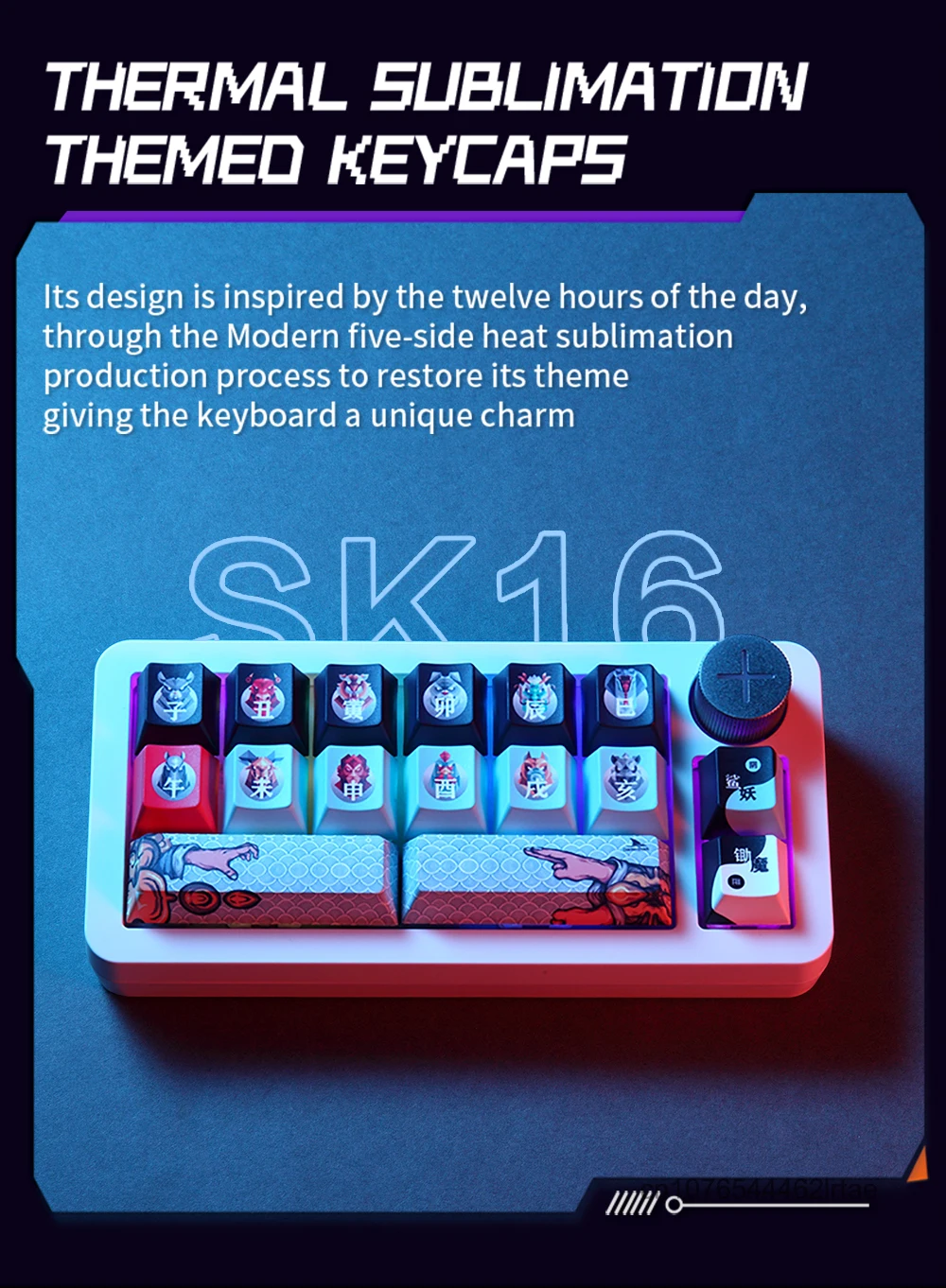
keys: 16keys, Custom keycap keycaps
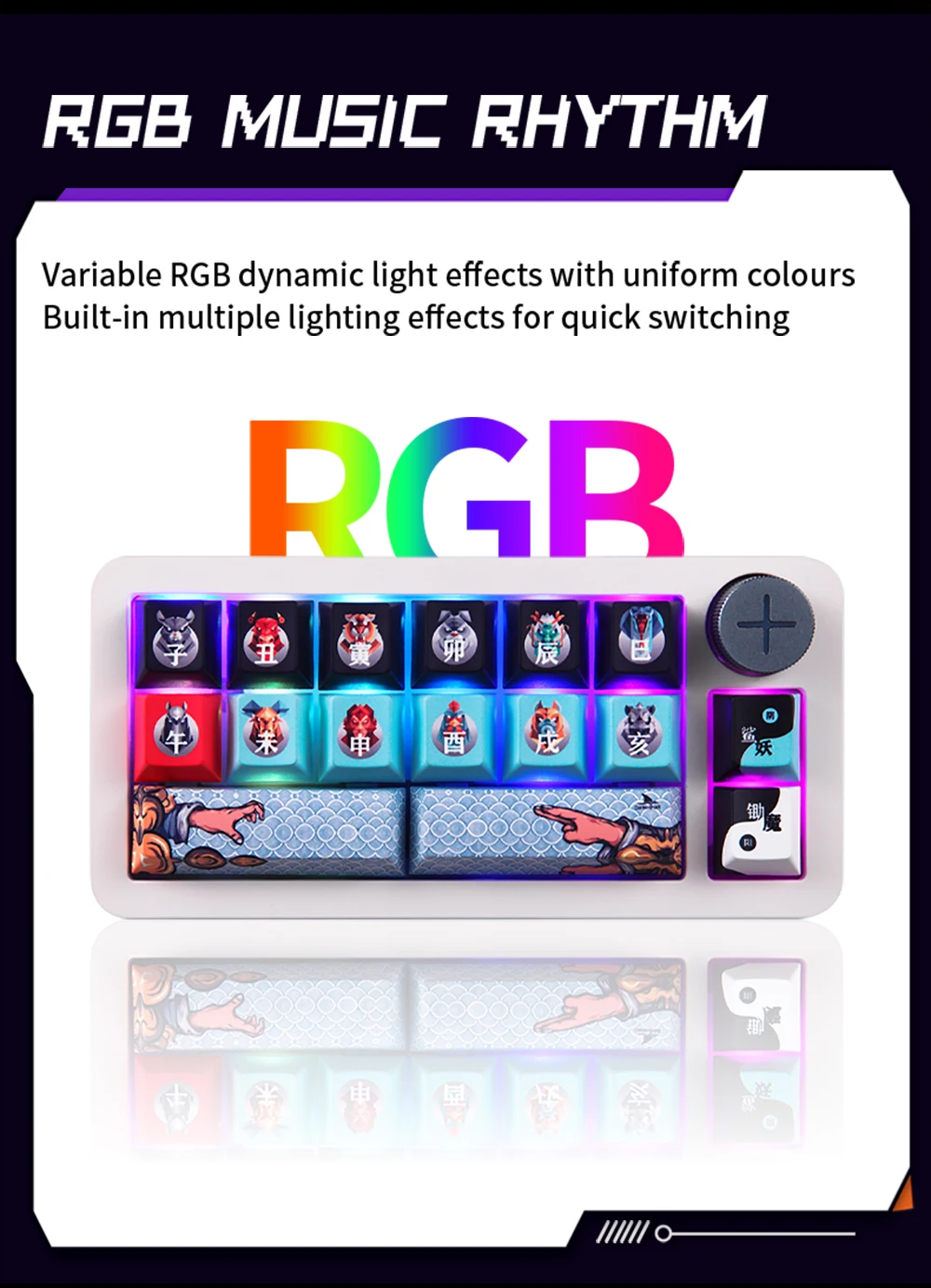
Backlight type: RGB
Power Supply:USB2.0
Interface: Type C
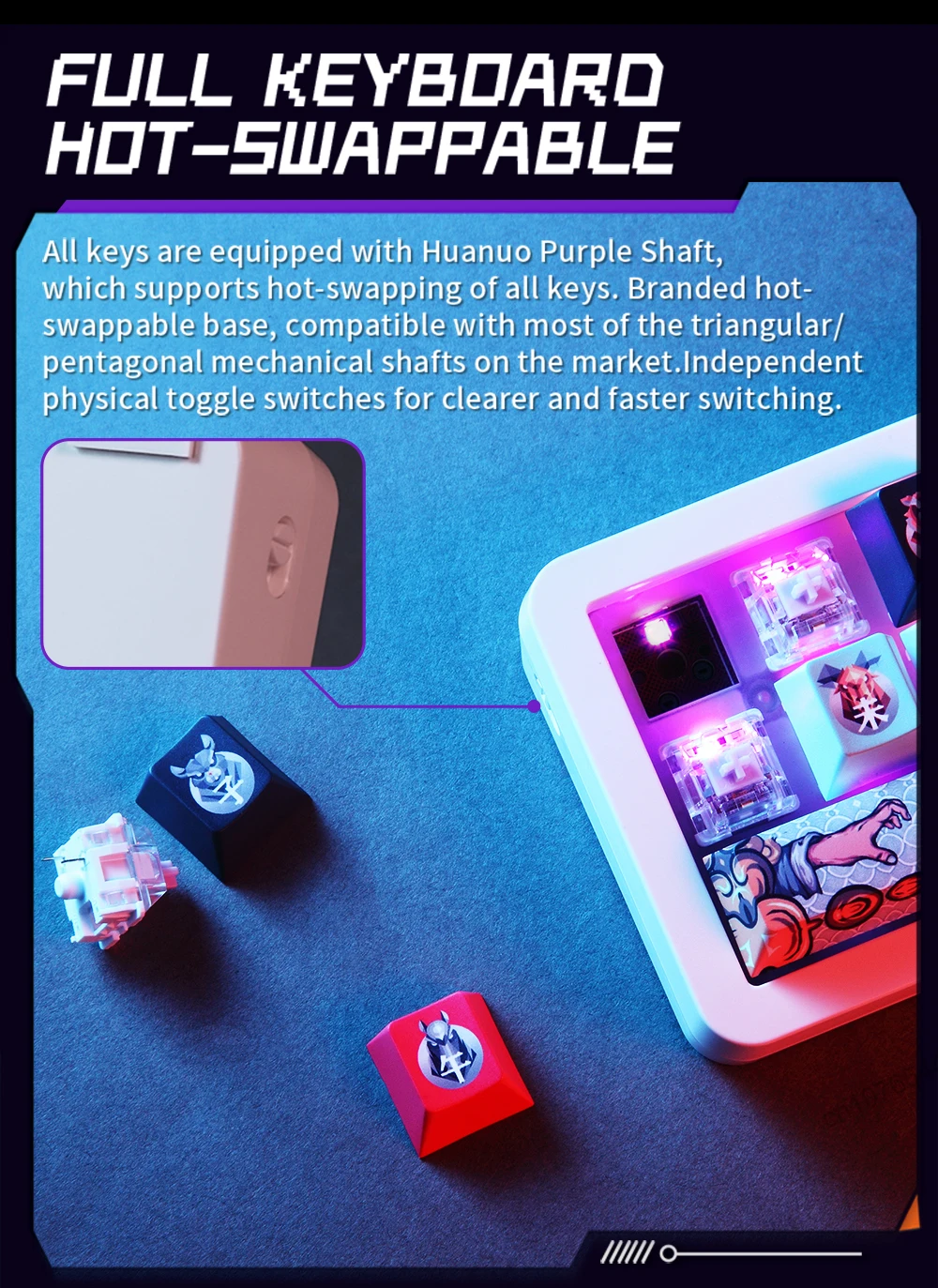
Hot swap:Full key hot-swap
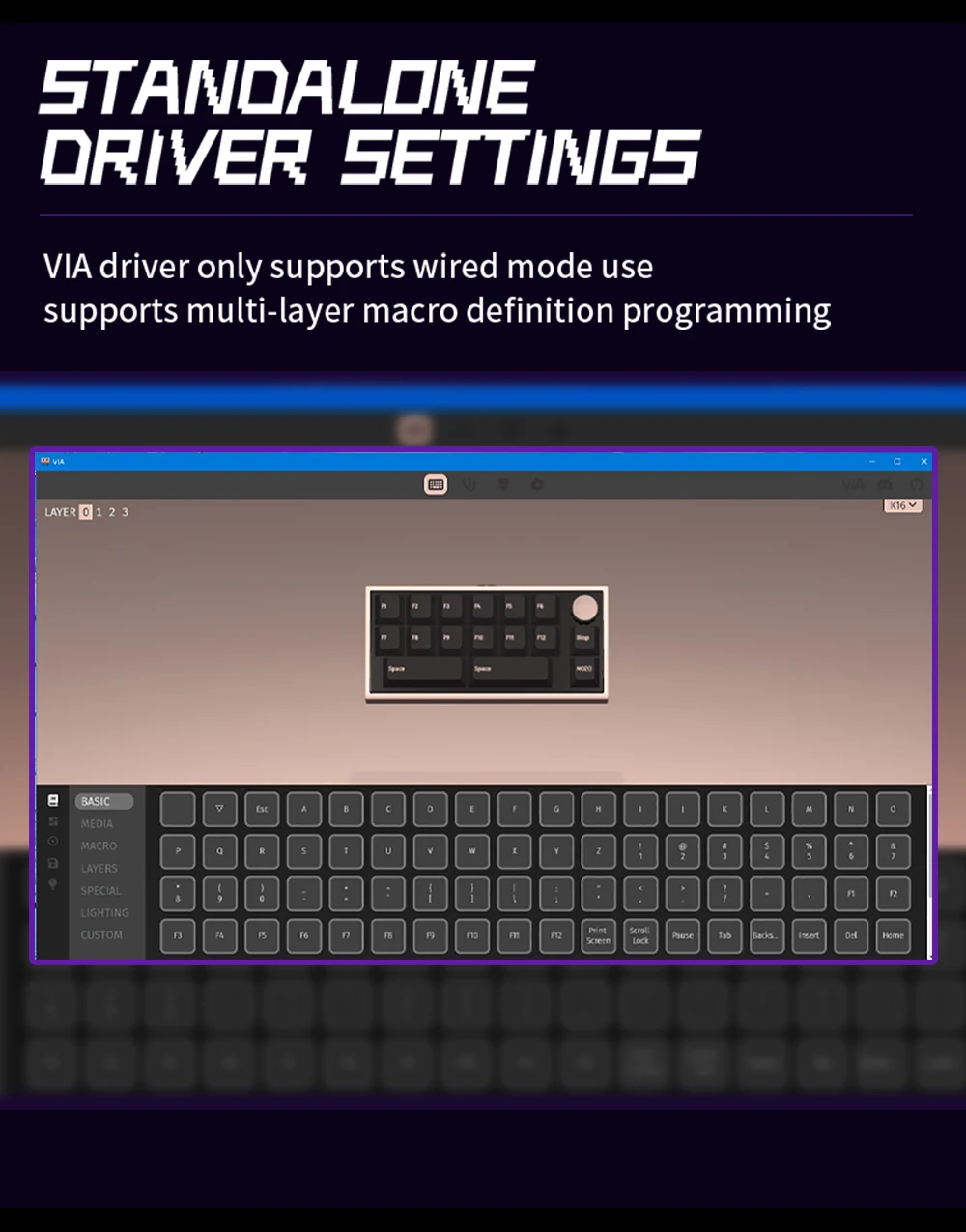
Macro driver: support
Connection method: Wireless / Bluetooth / Wired Tri-mode
Operating Voltage:DC 5V±5%
Keyboard type: high keycap ladder design
Button life:50 million times
Type-C Cable Length: 1.50 m 1% shield with magnetic ring
Product weight: 156.80mm(L)* 75.00mm(W)* 44mm(H)
Operating system: Windows /Android /Mac
FN combination function
FN+space: Press and hold for 3 seconds to restore the factory settings.
FN+Backspace: switching of lighting effect modes (18 types)
FN+F1/F2/F3: Bluetooth three-group device switching
Fn+F5: 2.4g pairing
Knob adjustment: volume adjustment by default, and mute when pressed.
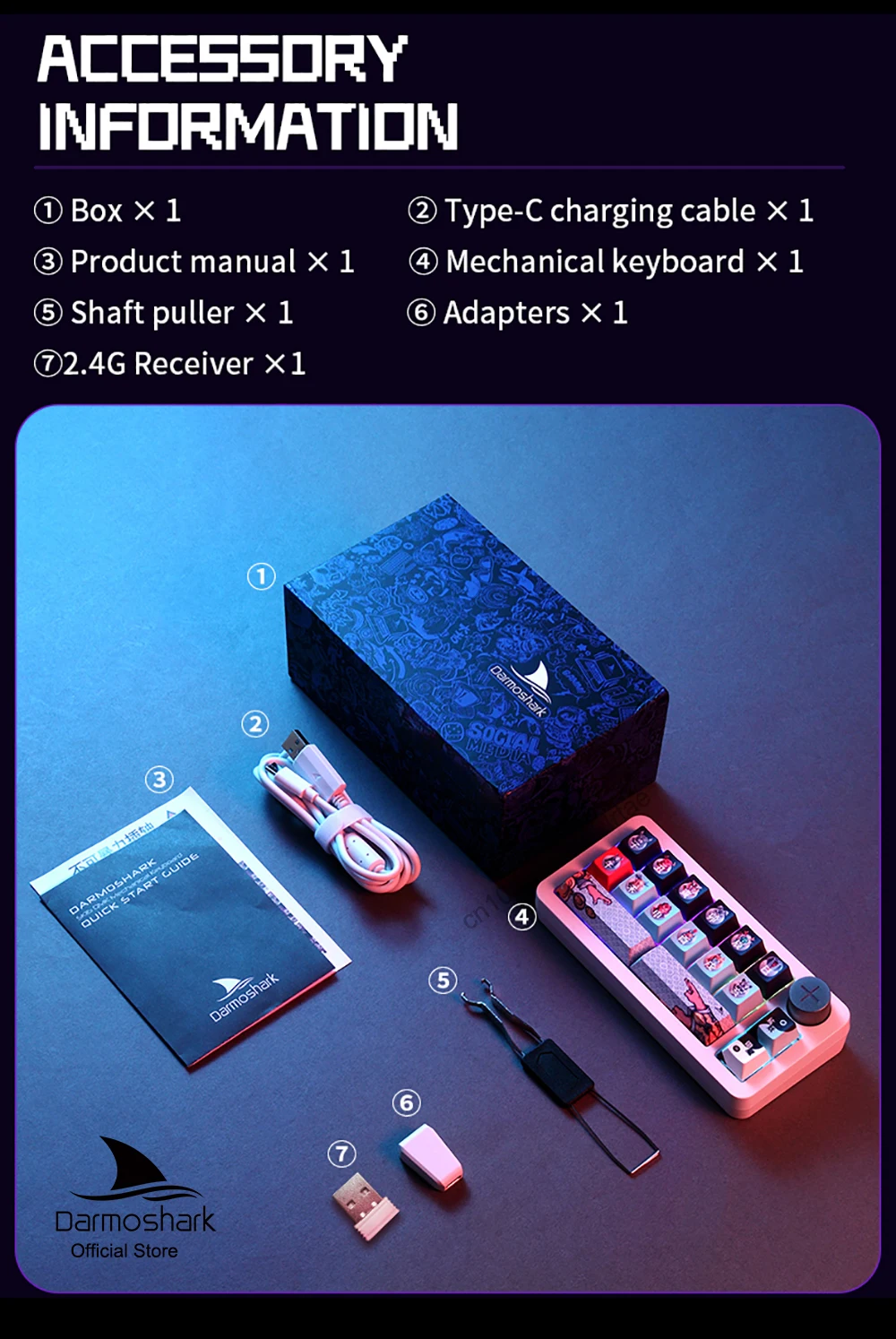
Packing listing:
1x mechanical keypad
1x USB Type-C data cable
1x Wireless receiver
1 x key puller
1x manual
Product picture

 2.4G pairing
FN+F5
At the same time, press and hold for 3 seconds: press the F5 key to flash the code, and then insert the receiver. After the pairing is successful, it indicates that the green light will go out and return to the current light.
Bluetooth pairing:
FN+F1/F2/F3
Select one group and press it for 3 seconds at the same time: press the key corresponding to F1/F2/F3 to flash the blue light code, search for the Bluetooth device (SK16 QMK), and indicate that the blue light will go out after the pairing is successful, and return to the current light effect; If the keyboard doesn’t match the code successfully in 1 minute, it will automatically turn off the lights and sleep, and any key is needed to wake up and re-pair.
Short press: switch to Bluetooth F1/F2/F3 device or leave Bluetooth F1/F2/F4 device.